Google Business Profile for salon studios: the owner's playbook
Most salon studios use 30% of their Google Business Profile: generic categories, no posts, unanswered reviews. The other 70%, for chair-renting owners.
- seo
- industry
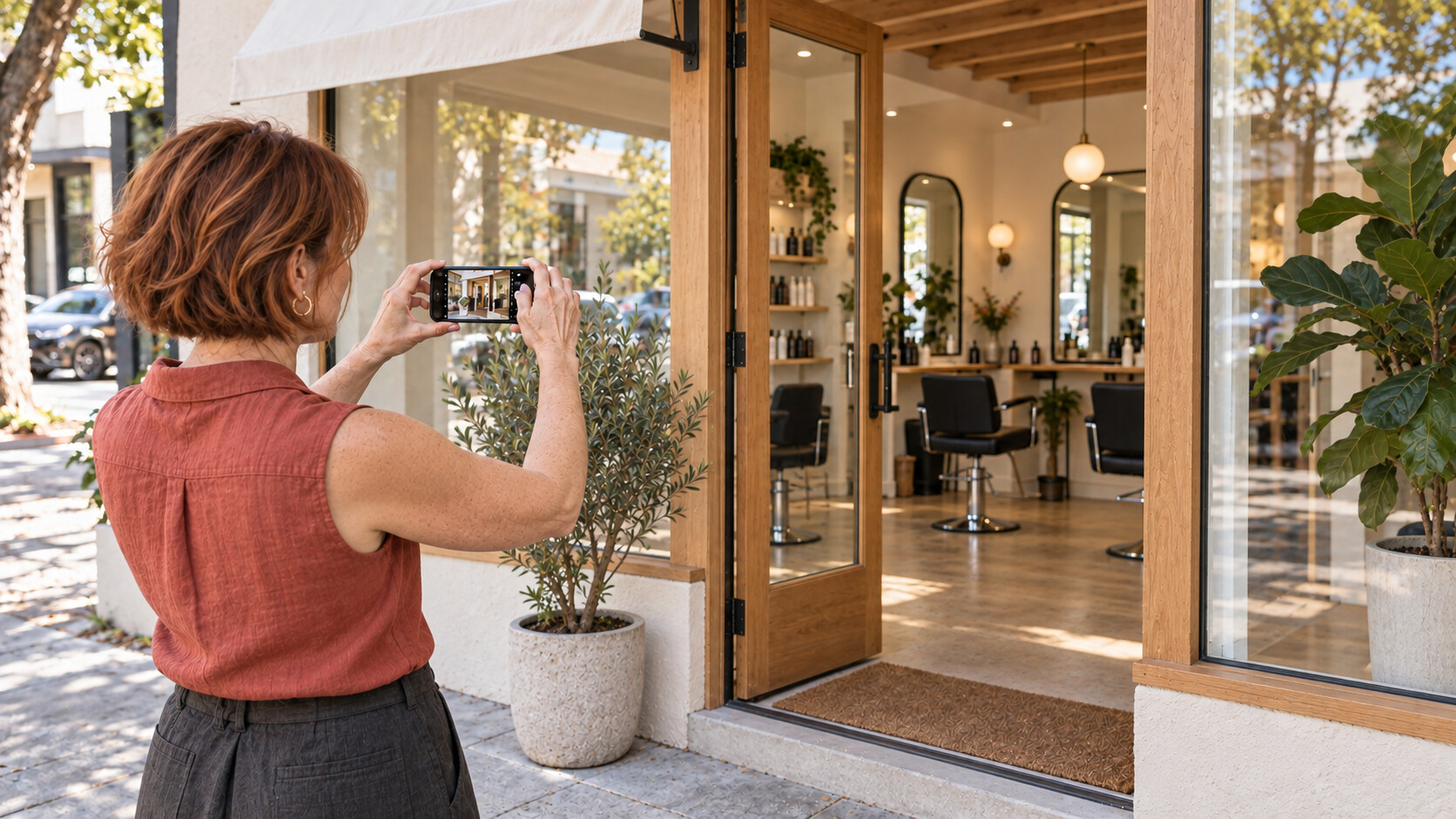
Most salon studios that rent chairs to independent stylists are leaving a startling amount of free local traffic on the table because their Google Business Profile is set up the way every other small business sets one up: claim it, drop in a phone number and the hours, upload four phone snapshots of the lobby, and never touch it again.
That works for a hardware store. It does not work for a studio that depends on five to fifteen independent stylists each running their own book, each with their own marketing problem, each competing in their own micro-category. Booth-rental studios live in a fundamentally different local-SEO world than commission salons, and the playbook is different.
This post is for the owner of a salon studio that leases chairs or suites to independent 1099 stylists. The advice below is yours, not your stylists’. (Your stylists almost certainly need their own GBPs too — that’s a separate playbook, and the answer to “should they?” is “yes, always, and you should help them.”)
By the end of this you’ll know how to set the profile up the right way the first time, what photos and posts actually move the needle versus what’s theater, how to run a review program that compounds instead of stalling, the attribute and Q&A settings that change ranking, the monthly maintenance routine that takes ten minutes, and the three common mistakes that get studios suspended.
Why GBP matters more for studios than for commission salons
A commission salon and a booth-rental studio look similar from the street. Same chairs, same clients, similar haircuts. The local-SEO picture is not similar.
A commission salon has one brand, one phone number, one calendar, one set of services priced by the salon. Their GBP is straightforward — it represents the salon, and the salon owns every transaction.
A booth-rental studio has one brand, one phone number for the building, and somewhere between three and twenty independent businesses operating inside it. Each stylist sets their own prices, owns their own clients, and (legally — see the booth rental vs commission post) cannot be required to use the studio’s tools or workflows. The studio is the landlord. The stylists are the tenants.
That shifts everything about how the studio’s GBP should be set up:
- The studio’s profile is for the building and the brand, not for any specific stylist’s services. Listing services in the GBP that you can’t deliver across all your stylists — color correction, balayage, lash lifts — confuses ranking signals and creates support headaches.
- Reviews on the studio’s profile reflect the building and the booking flow. Reviews of specific stylists belong on the stylist’s own profile.
- Photos should sell the space (the room, the lighting, the chair stations, the lobby, the parking). They should not sell any individual stylist’s work. The work belongs on each stylist’s grid.
- Q&A questions like “Do you do balayage?” require an answer that gracefully routes the searcher to a stylist who does, without committing the building.
If your GBP doesn’t reflect this distinction — building brand on one side, stylist businesses on the other — it will quietly underperform every commission salon down the block, and you’ll wonder why.
The setup essentials — what to get right the first time
These are the fields that meaningfully affect ranking and click-through. Get them right when you claim the profile and you’ll never need to touch them again.
Business name. The legal name of the studio, exactly as it appears on your signage and your business license. Do not pad with keywords (“Glow Salon Studio - Best Booth Rental in Phoenix”) — Google will eventually penalize that, and competitors will report it. Just the name.
Primary category. This is the single biggest ranking lever in the entire profile. For a booth-rental studio, the right primary category is almost always “Beauty salon” or “Hair salon” — whichever matches the dominant service. “Salon” alone is too generic. There is no native “booth rental” category, and trying to use a related-but-wrong one (“Cosmetics store,” “Wedding service”) will tank you.
Secondary categories. Add the categories that match services offered by stylists in your building, but only the ones offered by more than one stylist. If only one stylist does nail art, don’t list “Nail salon” — the searcher will arrive and the one nail tech will be booked solid or gone next month. Common safe seconds for booth-rental studios: “Hair extensions service,” “Hair coloring service,” “Beauty supply store” (if you actually retail product).
Address. Same address as on your lease, your insurance, and your state cosmetology establishment license. Mismatches across these will trip Google’s address-validation sweep and earn a soft suspension within months. The address is also a NAP signal — if your other directory listings (Yelp, Apple Maps, Facebook) show a different format (“Suite 200” vs “Ste 200” vs “#200”), normalize them.
Service area. Leave this empty for a studio with a physical location customers visit. Service areas are for businesses that travel to customers, like mobile detailing. A studio that fills in the service area is signaling “we travel to you,” which is wrong and dilutes ranking.
Hours. The hours the building is open, not any individual stylist’s hours. If your building runs 9am to 9pm but the first stylist gets in at 11am, your hours are 9-9. Stylists handle their own calendars; the GBP hours are about the doors being open.
Phone. A studio-level phone — not any stylist’s cell. If you do not have a studio-level phone, get one (Google Voice is free). Routing GBP calls to a stylist’s personal cell is messy and breaks when that stylist leaves.
Website. Your studio’s homepage — not a Linktree, not a stylist’s booking page. The URL signal feeds back to your domain’s local ranking.
Photos — what to shoot and how often
Photos are second only to category in ranking impact, and most studios do this badly. The rules:
- Cover photo: the storefront, ideally with signage clearly visible. This is what shows up everywhere your GBP appears.
- Logo: square, transparent if possible, the same one on your website.
- Interior photos: every chair station shot at eye level with good light. Twelve to twenty photos. Show the room as it actually looks during a busy hour, not staged-empty.
- Exterior photos: the parking situation, the entrance, the awning, any signage. A searcher should be able to know “I’ll find this from the street” before they leave.
- Team photo: the building’s team — your front desk, you as the owner. Not your stylists individually (each stylist belongs on their own profile).
- At work: photos of the space in use, not portraits of work product. Save the before-and-after for stylists’ own profiles.
Frequency: refresh ten or so photos every quarter. Google weights recency. A profile that hasn’t had a new photo in eighteen months reads as stale.
The one mistake nearly every studio makes: uploading stylists’ work as if it’s the studio’s work. It looks great. It also implicitly promises the searcher that any stylist they book at your studio will produce that work. That promise is not yours to make. Keep portfolio work on stylist profiles.
Posts — cadence, what to publish, what not to
Google Business Profile posts have a real but small effect on ranking and a much larger effect on profile-level CTR. The point is to make the profile look alive when someone lands on it.
A reasonable studio cadence is one post every two to three weeks. Anything more is overkill; anything less and the profile looks abandoned. Topics that work:
- Building events — open houses, training nights, meet-the-stylists nights. These belong on the studio profile because the building is the venue.
- Suite or chair availability — “Booth open starting July 1” with a one-line description and a contact link. This is recruitment, not customer-facing, but it’s allowed and it works.
- Building-level announcements — new parking lot, extended hours, holiday closures, new shared retail line.
- Brand stories — short pieces about why the studio exists, what your independent-contractor philosophy is, who you are. These are not common for hair salons and they help you stand out.
Topics to avoid on the studio’s profile:
- Specific service promos — those belong on the stylist offering them, on their profile.
- Stylist work portfolios — same reason.
- “Book now” CTAs that route to a specific stylist — you can’t favor one tenant. Either route to a stylist directory page on your site (best) or skip the CTA.
Reviews — the moat that compounds
Reviews are the single largest lever after primary category, and they’re the only part of the profile that compounds month over month. They’re also where studios most often shoot themselves in the foot.
The trap: every studio wants to ask happy clients for reviews of their stylist, on the studio’s profile. The client writes “Sarah is amazing!! Best blowout in the city!!” — and now the studio’s profile is full of reviews about stylists who may not even rent there anymore. When Sarah leaves to open their own suite across town, those reviews are stranded on your profile and your prospective tenants are searching for Sarah, not you.
A booth-rental studio’s review program should solicit two distinct kinds of review:
On the studio profile: reviews of the building experience. The parking. The lobby. How easy it was to find the place. The cleanliness of shared areas. The friendliness of front-desk staff. The booking process if it went through your house system.
On each stylist’s individual profile: reviews of the service itself. Their work, their personality, their pricing, their punctuality.
The way to engineer this split is in the ask. Stylists should be asking their own clients for reviews after each appointment with a direct link to the stylist’s GBP. The studio should be asking clients separately — usually via a post-visit email or text, if you have the contact — with a direct link to the studio’s GBP and a prompt that focuses on the space: “How was your visit to the building? The parking? Did you find us easily?”
Two prompts. Two links. Two profiles. Reviews compound on both. The studio’s profile stays robust even as individual stylists come and go.
Respond to every review on the studio profile within seven days. Google weights response rate. Five-star reviews can get a one-sentence thank-you. One- and two-star reviews need a thoughtful, public, non-defensive response — these are read by every future prospective client, and how you handle a bad review is more informative to them than the bad review itself.
Q&A — seed your own answers
The Questions and Answers section of a GBP is editable by anyone with a Google account, which means if you don’t seed it, random people will. Most studios never look at it.
Seed it. Half a dozen questions and answers, posted from the owner account, that cover the questions you actually get every week. Examples that work for booth-rental studios:
- “Do you take walk-ins?”
- “Is there parking?”
- “Do you sell retail product?”
- “Can I rent a chair here?”
- “Do you have a stylist who does [common request]?”
For the last one, the right answer is a graceful routing: “Several of our independent stylists offer [service]. Visit our website at example.com to see each stylist’s portfolio and book directly.” Don’t name the stylist. They might leave.
Re-seed once a quarter. Look at any user-submitted questions and answer them honestly within forty-eight hours.
Attributes — the ones that actually matter
GBP attributes are easy to fill in carelessly. A few of them matter for ranking and discovery:
- “Identifies as woman-owned”, “Identifies as Black-owned”, “Identifies as LGBTQ+ owned” — these power filtered searches and Maps badges. If they apply, set them.
- “Wheelchair-accessible entrance” and “Wheelchair-accessible restroom” — these surface in searches and influence which clients choose to walk in.
- “Restroom” — a basic yes that affects walk-in confidence.
- “Wi-Fi” — a yes here helps; the GBP filters on it.
- “Appointment required” — useful for setting expectations. For a studio with both walk-in and appointment-only stylists, the honest answer is usually “by appointment, but walk-ins accepted when available.”
Attributes that look important but don’t matter much: “Casual,” “Cozy,” “Trendy.” These are vibe tags. Use them or don’t.
The monthly maintenance routine
Ten minutes, once a month, set a recurring calendar event:
- Open the profile in the GBP dashboard.
- Check messages — respond to anything within 24 hours.
- Check Q&A — answer any new questions, flag spam for removal.
- Read every new review — respond within seven days.
- Upload two to three new photos (rotating set).
- Post one update if more than three weeks have passed since the last one.
- Confirm hours are current — especially around holidays.
- Skim the insights dashboard for any unusual drops in calls, direction requests, or website clicks. A sudden drop usually means either a suspension flag or a competitor’s profile got promoted.
That’s it. Anything longer and you’re over-investing in the profile relative to the return.
Three mistakes that get studios suspended
The biggest risks aren’t about ranking, they’re about losing the profile entirely. Soft suspensions hide your profile from search and Maps; hard suspensions block re-verification on that address. Most often caused by:
1. Keyword-stuffed business names. “Glow Salon Studio - Premier Booth Rental Salon Phoenix” gets reported by competitors and reset by Google. Use only your legal name.
2. Fake addresses. Listing a co-working space, a UPS Store, or your home as your business address when customers don’t actually visit there. The address-validation sweep catches this. Two strikes is the rough ceiling.
3. Soliciting reviews with incentives. Offering a discount, a freebie, or a raffle entry in exchange for a review is against Google’s review policy and gets the profile flagged. You can ask for reviews freely — you just can’t pay for them in any form.
A note on what’s coming
ChairSlay is building a feature called Studio GBP Sync that pushes selected studio-level signals (open hours, holiday closures, photo updates, post drafts) from the ChairSlay app to your verified Google Business Profile. It will roll out as an opt-in to paying studio accounts after launch.
Until then, the playbook above is the work, and it’s worth doing manually. The profile compounds. The stylists notice when the studio takes its local SEO seriously, and prospective tenants notice it too.
If you read this far and you don’t have a GBP yet, set one up today. If you have one and you haven’t touched it in a year, the monthly maintenance routine above will probably take you ninety minutes the first time and ten minutes every month after. It’s the cheapest local-SEO work you’ll ever do.